Skip to content

Web App

AI car photo software. Every feature, in your browser.

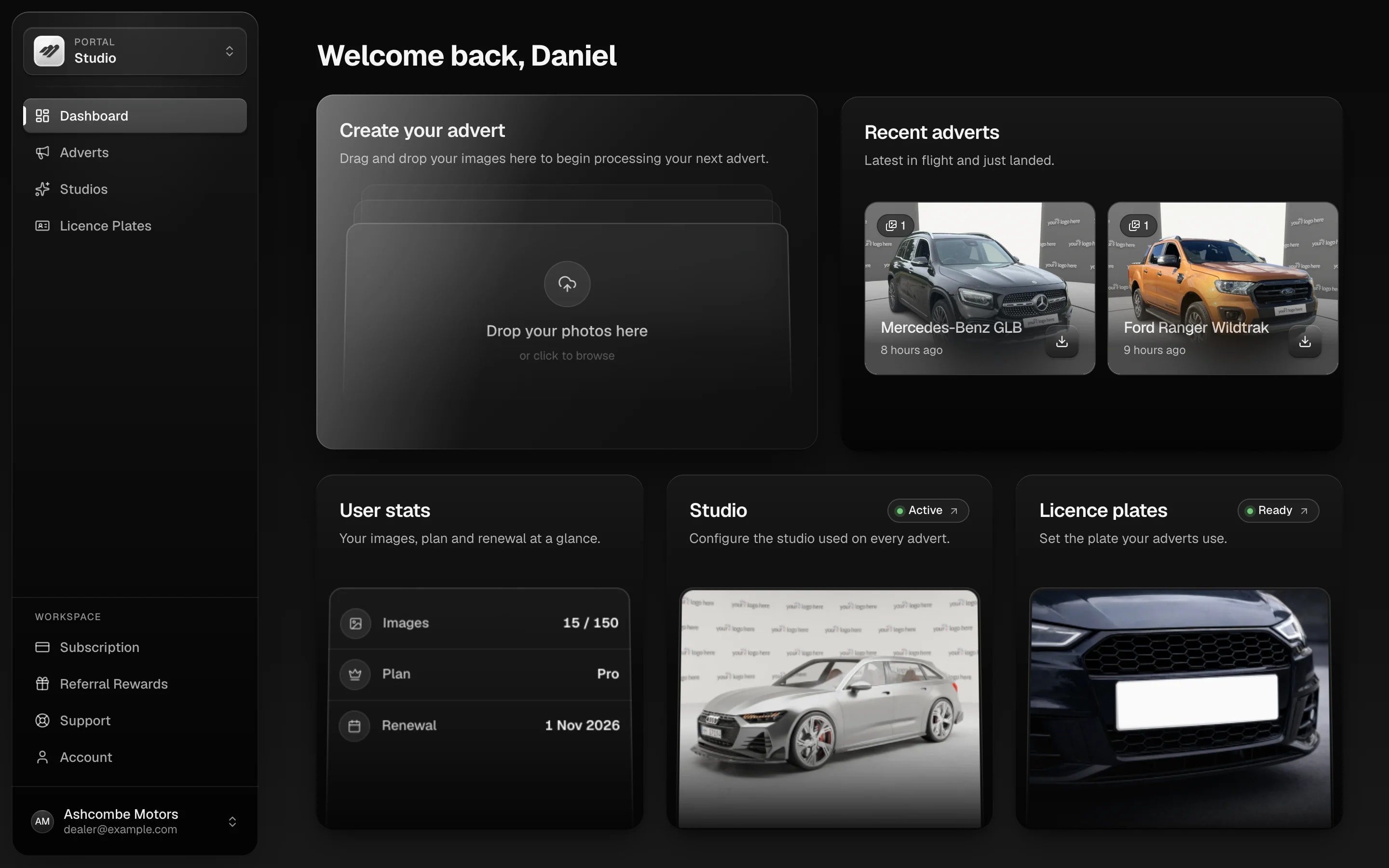
Motuva is a web app — the full platform from any computer or browser. No install, no IT, no licence key. Open it, sign in, start processing cars.
No install needed

Open a tab, sign in, process cars — nothing to install.

Team access included

One subscription, multiple users — shared studios, pool, and history.

Process in bulk

Run a full day's intake in one go, every plan.

No image limits

Processed images sit in your account, no storage cutoff.

Auction Cleanse

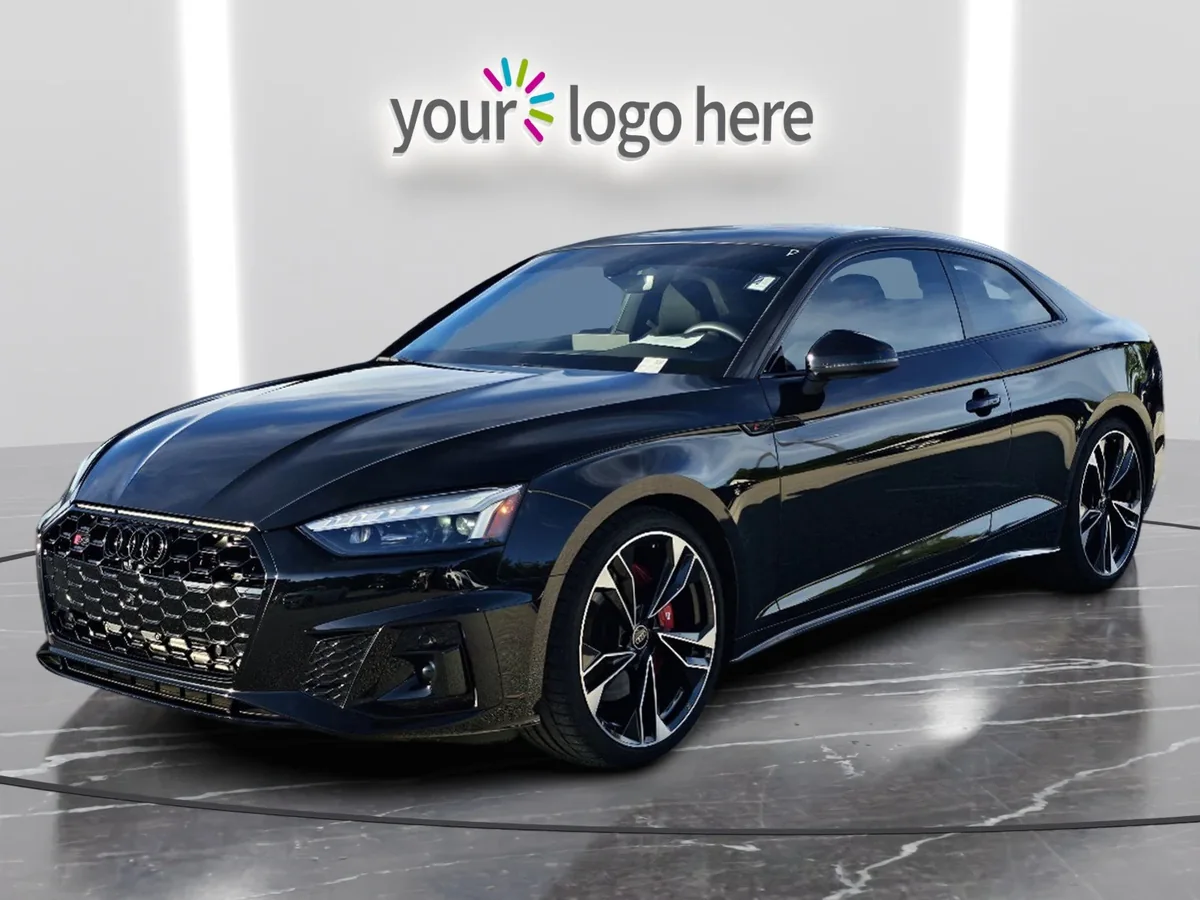
Turn auction photos showroom ready.

The full platform — nothing cut

The web app is the product. There is no version with more.

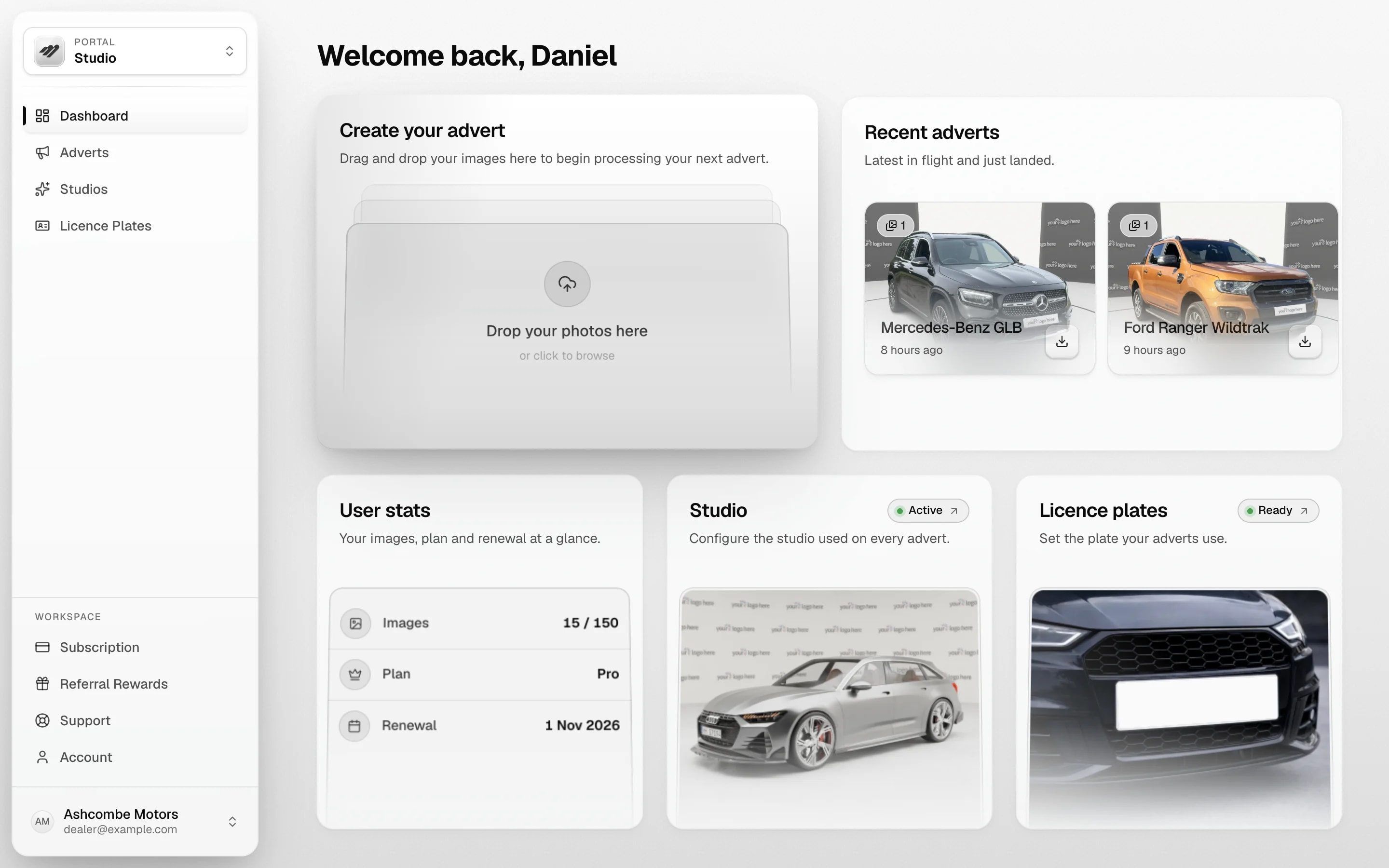
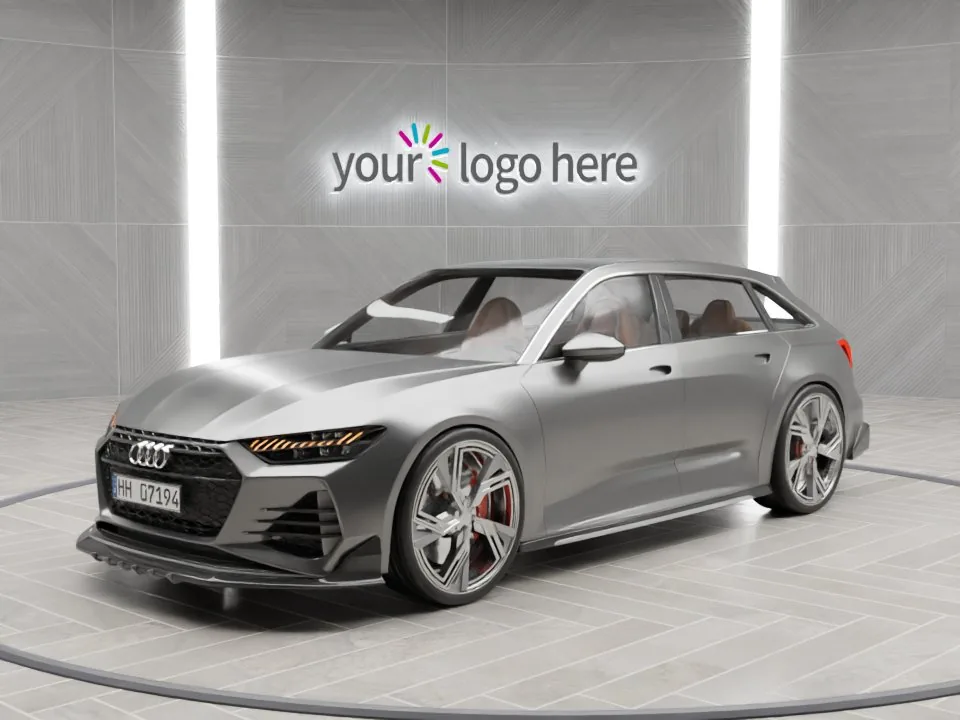
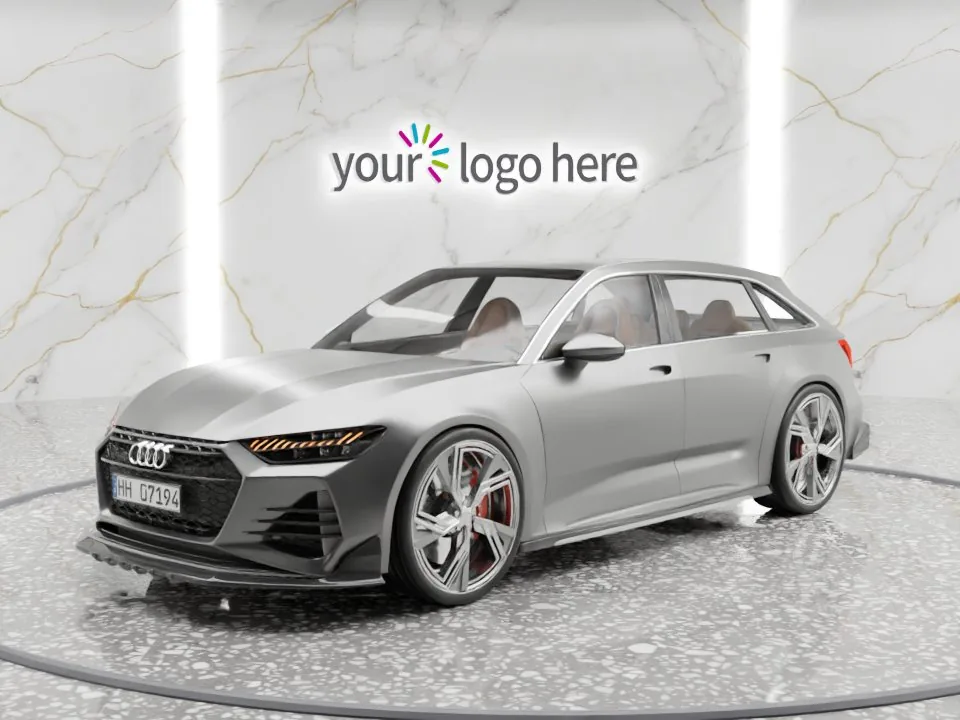
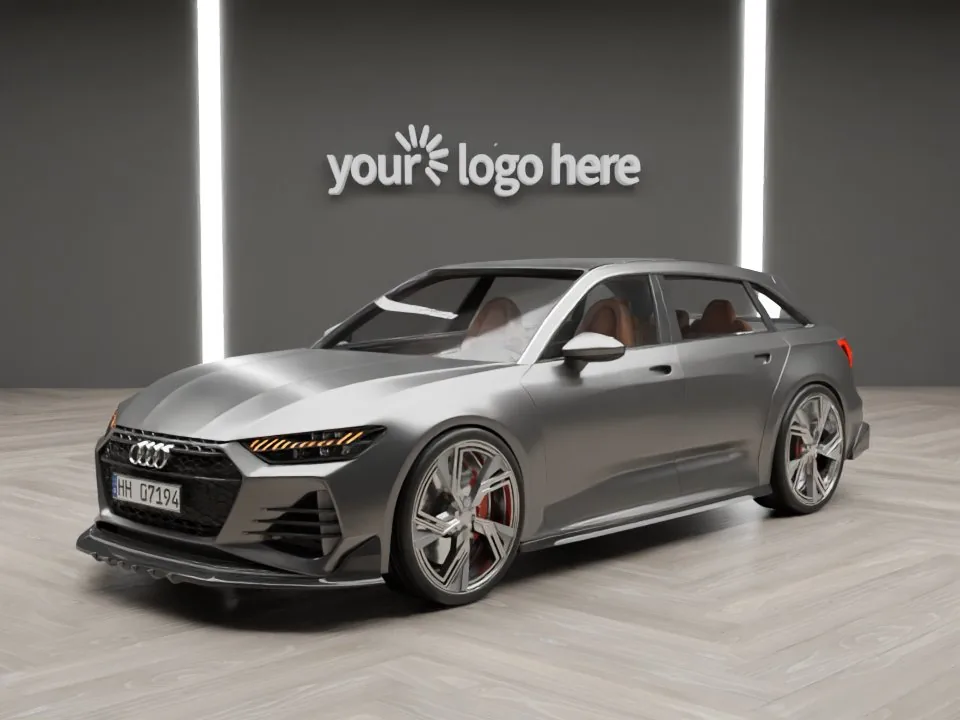
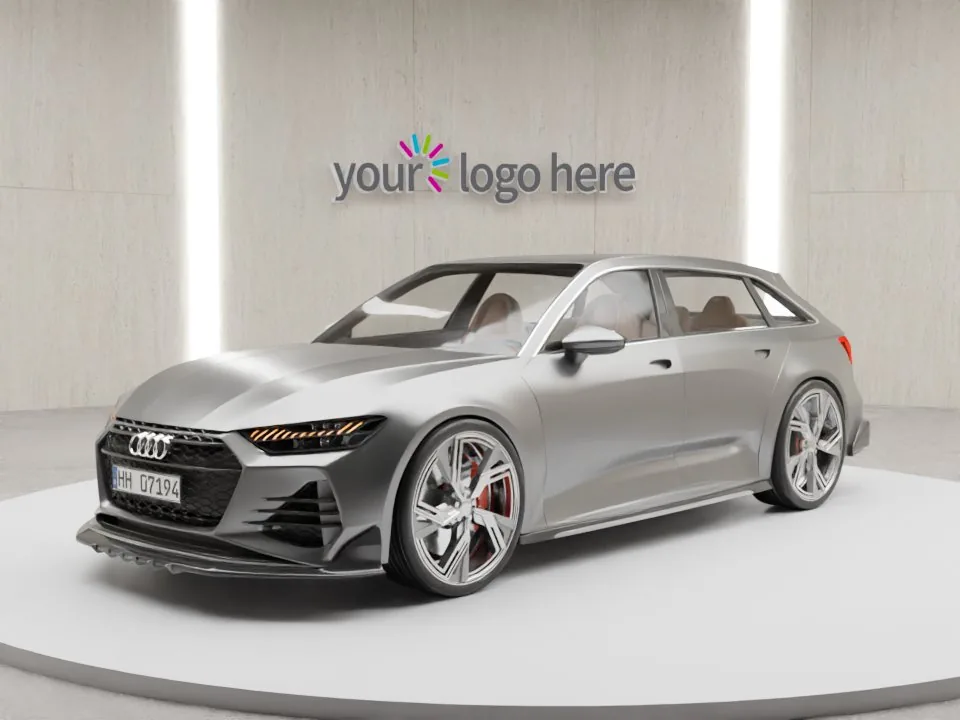
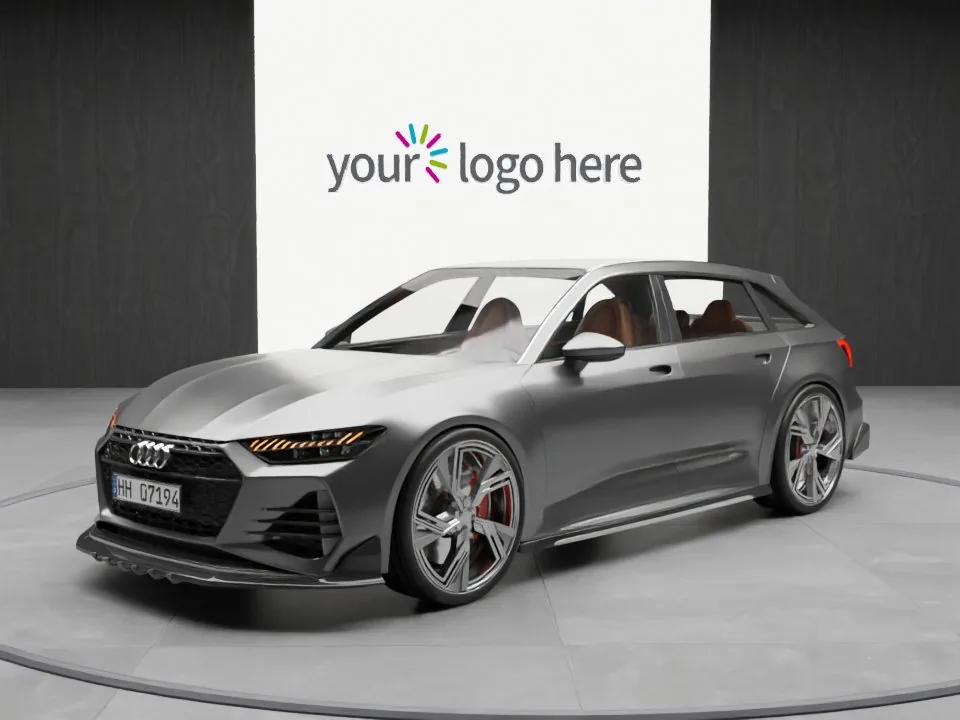
Motuva Studio runs entirely in the browser — build your custom studio, embed your logo, handle plates, process in bulk. There's no desktop version with more and no “lite” web experience; the web app is the product. Your team uses it from the showroom, a manager checks stock from anywhere, and a group can run several people across sites — all on the same settings, saved studios, and history, with no storage limit on processed images.

Free

£0/mo

20 images / month

  • Full-quality output, no watermark
  • Single user account
  • Build your own studio (Pro+)
  • Priority processing queue (Pro+)
  • Multi-user team access (Pro+)
  • API access (Ultra)
Start free

Pro

£49/mo

150 images / month

  • Full-quality output, no watermark
  • Build your own studio
  • Multi-user team access
  • Priority processing queue
  • Priority email support
  • API access (Ultra)
Start free

Ultra

Most popular
£99/mo

Unlimited images

  • Full-quality output, no watermark
  • Build your own studio
  • Multi-user team access
  • Priority processing queue
  • Priority support
  • API access included
Start free

Team access

One subscription, multiple users.

One subscription, multiple users — shared studios, image pool, and history. A franchise group runs all stock from one account with the same look across every location. No per-seat pricing; your plan covers the team.

Works alongside your existing workflow

Shoot as you do. The step that changes is the expensive one.

No need to change how you shoot or run your DMS. Shoot as you do, upload via the browser, download, push to your stock system. The step that changes is the expensive one — getting from a phone photo to listing-ready. DMS users automate it via the API; everyone else gets it with zero setup.

What you can do from the web app

Everything, from any computer.

01
Build and save your studio

Compose your environment, save as a named look, apply to every car after. Multiple looks, switch per upload or batch. Building your own is on Pro and Ultra — Free uses the ready-made studio library.

02
Process one car or a full day's stock

Single upload in under a minute, or bulk an entire intake with the same settings. Bulk included on every plan.

03
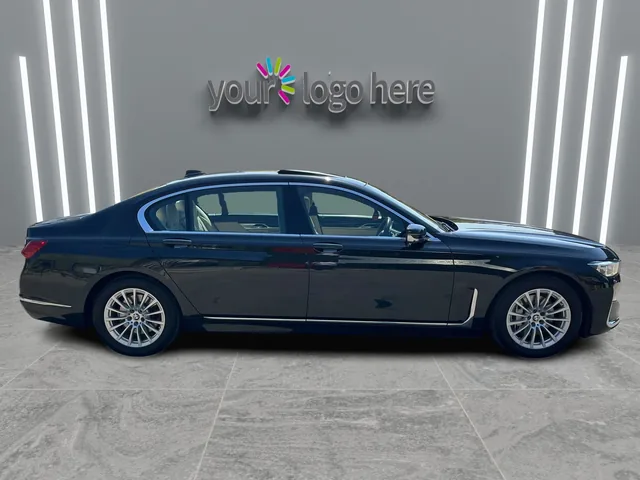
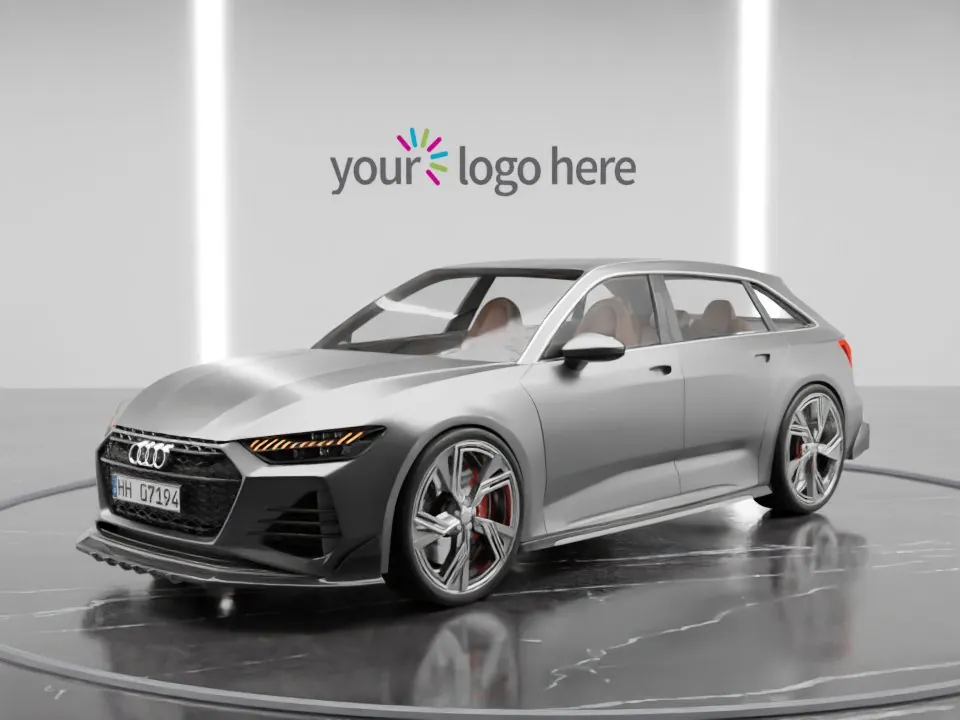
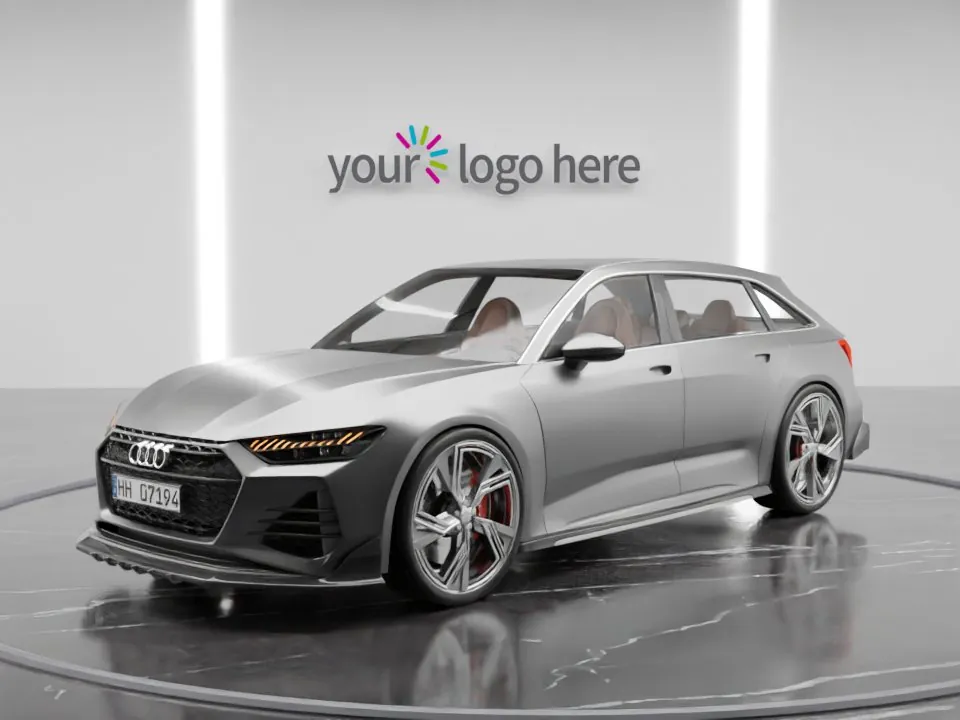
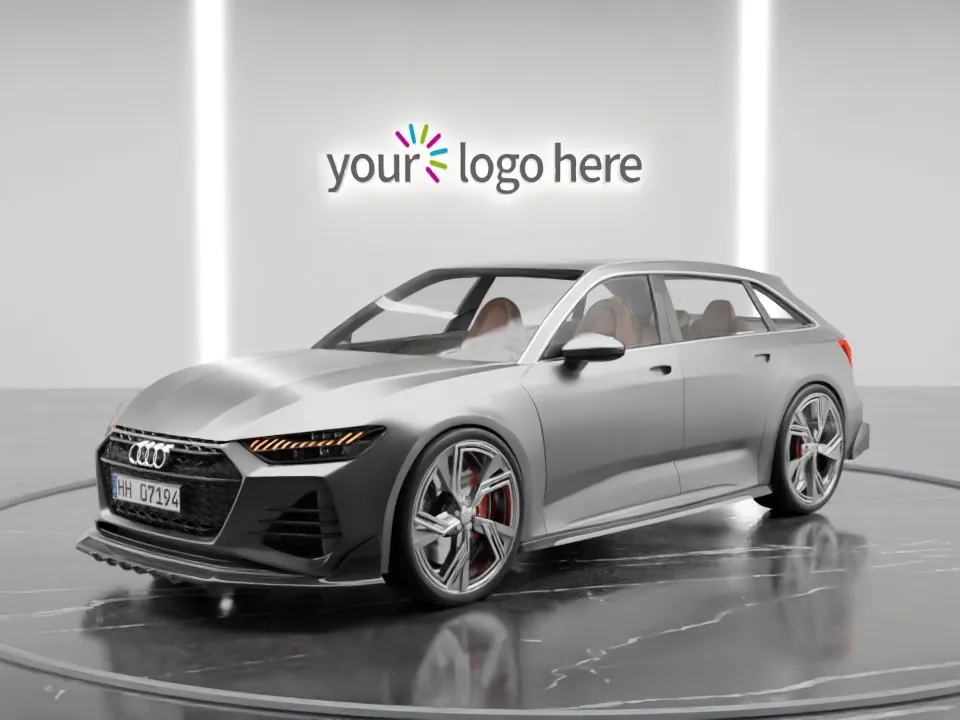
Embed your logo

Once, on every image, baked into the scene.

04
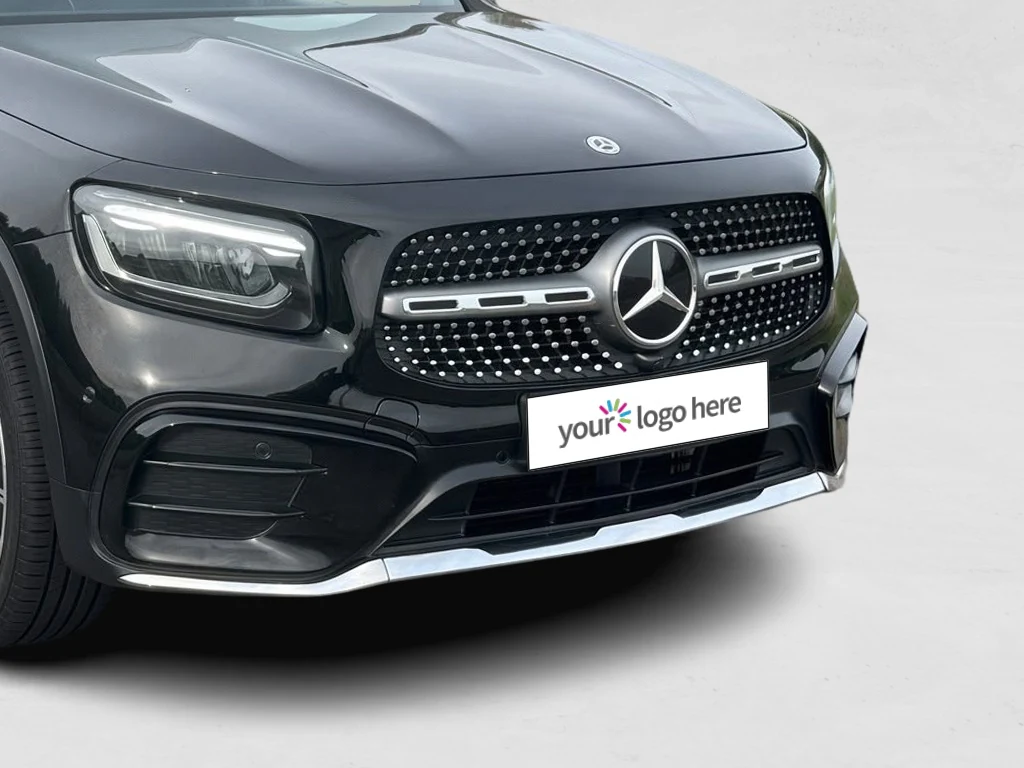
Handle plates

Treated automatically on every image, GDPR-safe.

05
Download full-quality files

Full resolution, no watermark, same output on Free, Pro, or Ultra.

From the blog

Related reading.

ai-editing-backgrounds

How to edit car photos as a dealer — the six-step workflow from cull to export, the manual route vs the AI route, and the mistakes that misrepresent cars.
8 min read
pricing-buying

Evaluating car photo editing software for your dealership? Six criteria dealers should check before committing — including how to spot the hidden costs.

7 min read
honesty-legal-compliance

An honest account of what AI car photo editing does: what the AI generates, what stays fixed, and where the risk under UK consumer law sits.

8 min read

Start free today.

Upload your first car photo, see a studio shot back in seconds. No card, no demo call, no commitment. If it works, Pro from £49/mo — unlimited at £99.